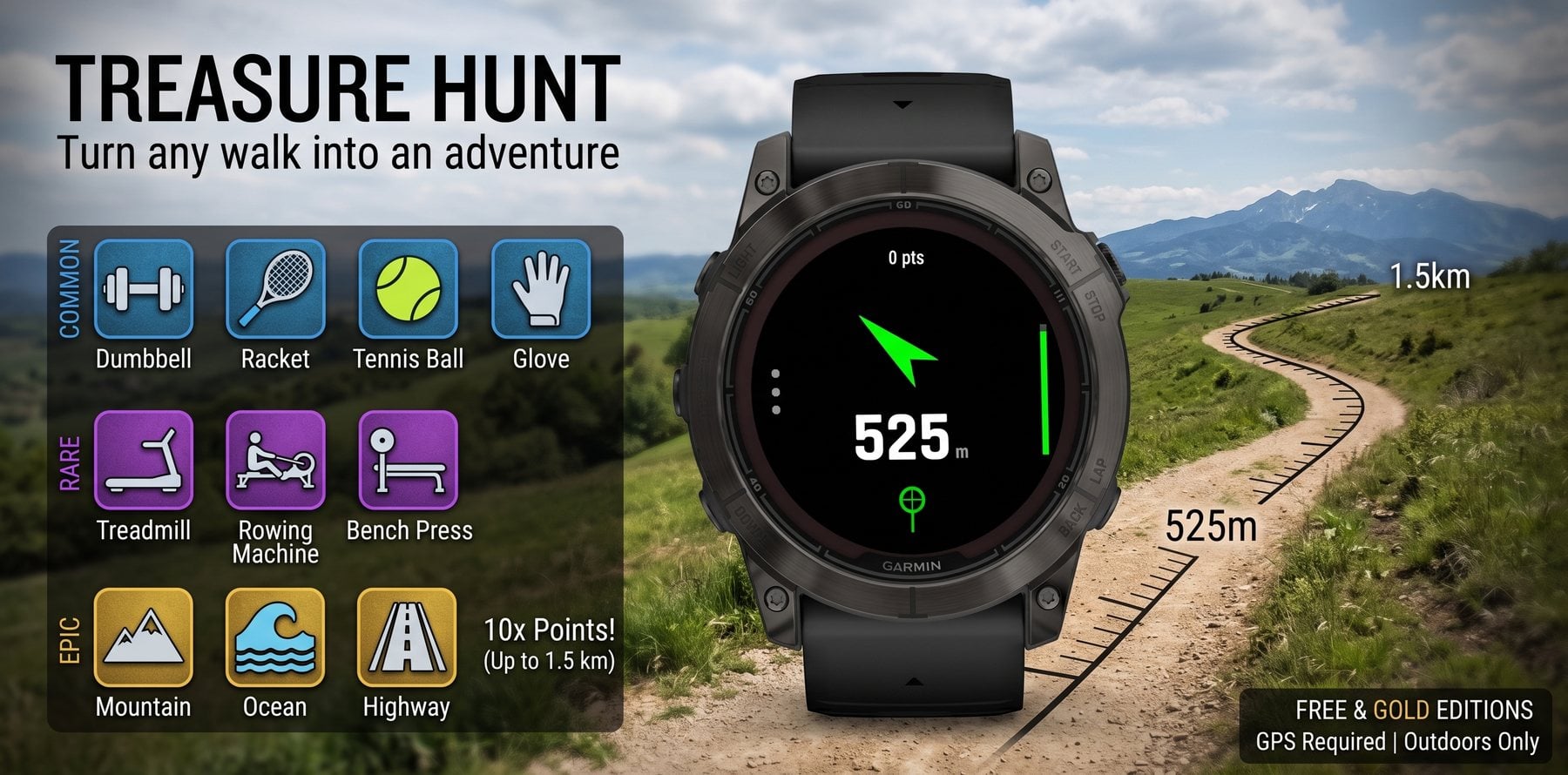
Treasure Hunt drops a treasure somewhere near you and points an arrow at it. Walk toward it, watch the metres count down, get within 20 m, and it is yours. Then another one appears.
No account, no sign-up, nothing to install on your phone. Every hunt is recorded as a Walk activity, so it syncs to Garmin Connect and counts toward your day exactly like any other session.
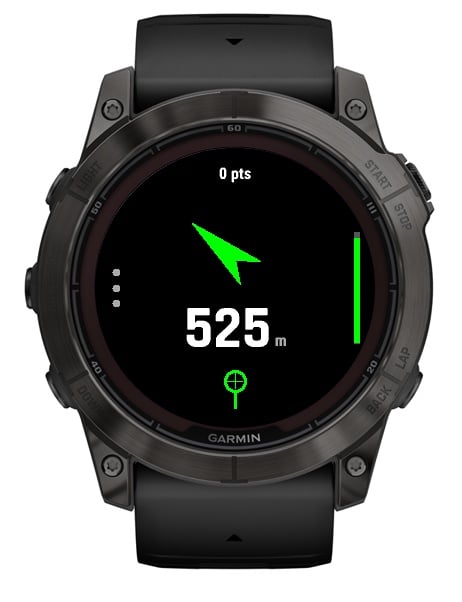
It points at the treasure and the number tells you how far. Colour and icon tell you what you are chasing.
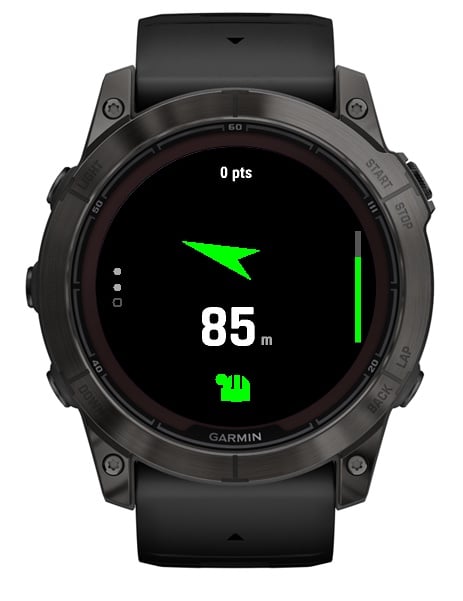
Any route you like. The app never tells you which way to go — you decide that.
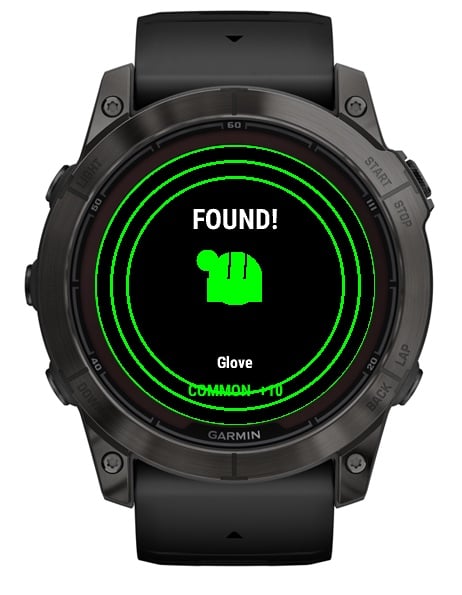
Within 20 m it collects itself, with a buzz and a tone. A new treasure appears straight away.
Roughly six in ten finds are common, three in ten rare, one in ten epic. An epic is worth ten commons, but it will ask for a proper walk.
| Rarity | Distance | Points | What you might find |
|---|---|---|---|
| COMMON | 150–300 m | 10 | Dumbbell · Racket · Tennis Ball · Glove |
| RARE | 400–700 m | 30 | Treadmill · Rowing Machine · Bench Press |
| EPIC | 900 m – 1.5 km | 100 | Mountain · Ocean · Highway |
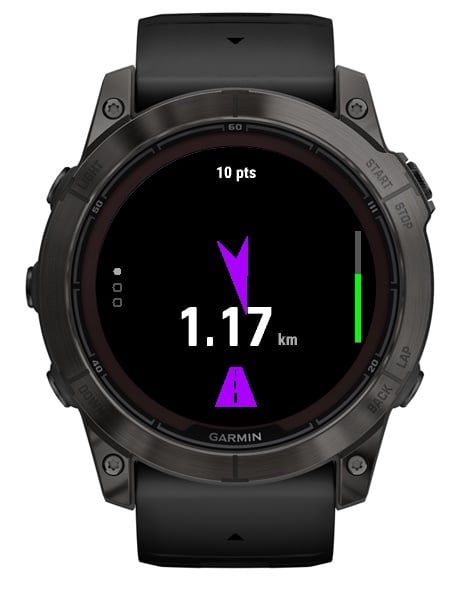 An epic, 1.17 km out
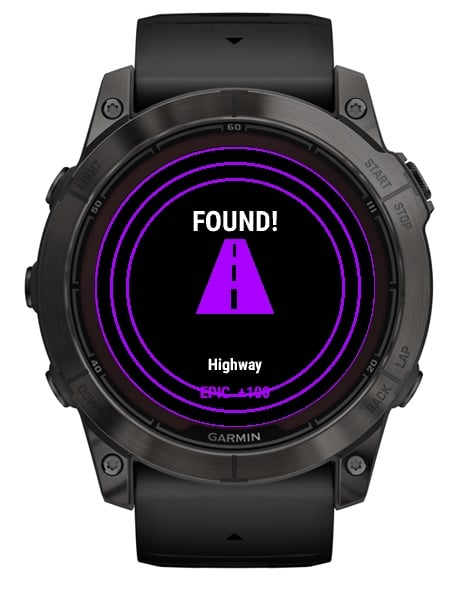 Highway — 100 points
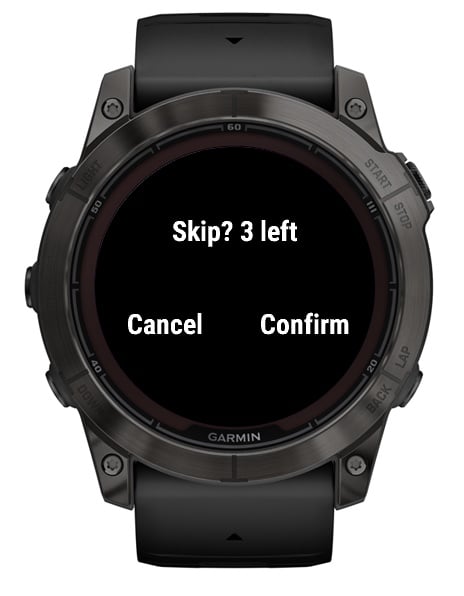 Skipping asks first
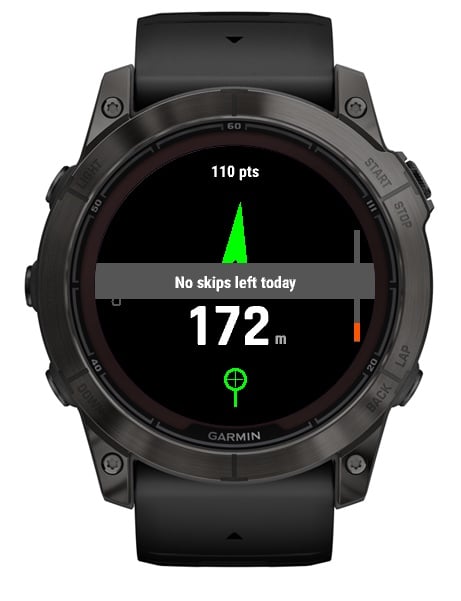 Three skips a day, free edition
Treasure Hunt gives you a direction and a distance. It does not give you a route, and it does not know what lies between you and the target — that might be a main road, a river, a railway line or someone's garden.
You choose how to get there, and whether to go at all. If a treasure sits somewhere you should not walk, skip it. If you are out of skips, press BACK — your walk is still saved and your points still count. No treasure is worth crossing somewhere unsafe.
And keep your eyes up. Glance at the watch between stretches of walking, not while crossing roads.
Live from the app. Players choose whether to show a name — anyone who has not set one appears as an anonymous handle. Weekly boards reset Monday, UTC.
Walk a few steps. Heading comes from movement, so it is unreliable while you stand still. The distance number is the instrument to trust.
You need to be within 20 m. GPS drift can leave you reading 30 m while standing on top of it — walk a small circle and it will collect.
No. The app needs a GPS fix, which does not work reliably inside.
It uses continuous GPS, so expect roughly the same as recording any outdoor walk.
An anonymous random identifier, your score, the distance and duration of the hunt, and a display name only if you chose to set one. Never your location. Clearing the name field removes it from the leaderboard.
Connect IQ mobile app → your device → Treasure Hunt → Settings. Leave it blank to stay anonymous.